Demos
What you will need
- Adobe Photoshop
- Adobe Dreamweaver or another similar software package
Source Files
What we will make
I will show you how to make a generic business template from the Photoshop file that is included with this tutorial.
We aren’t making a website
There is no one “right way” to make a website. You can build it using basic html, CGI scripts or server scripting languages such as PHP or ASP. In turn, each of these technologies can implemented in an almost infinite number of ways.
Therefore, I decided to just teach you how to make a web template and leave it up to you to develop a working website. The good news though, is that as soon as you’re done this tutorial, you’ll be able to build your website anyway you want!
Screen Shots

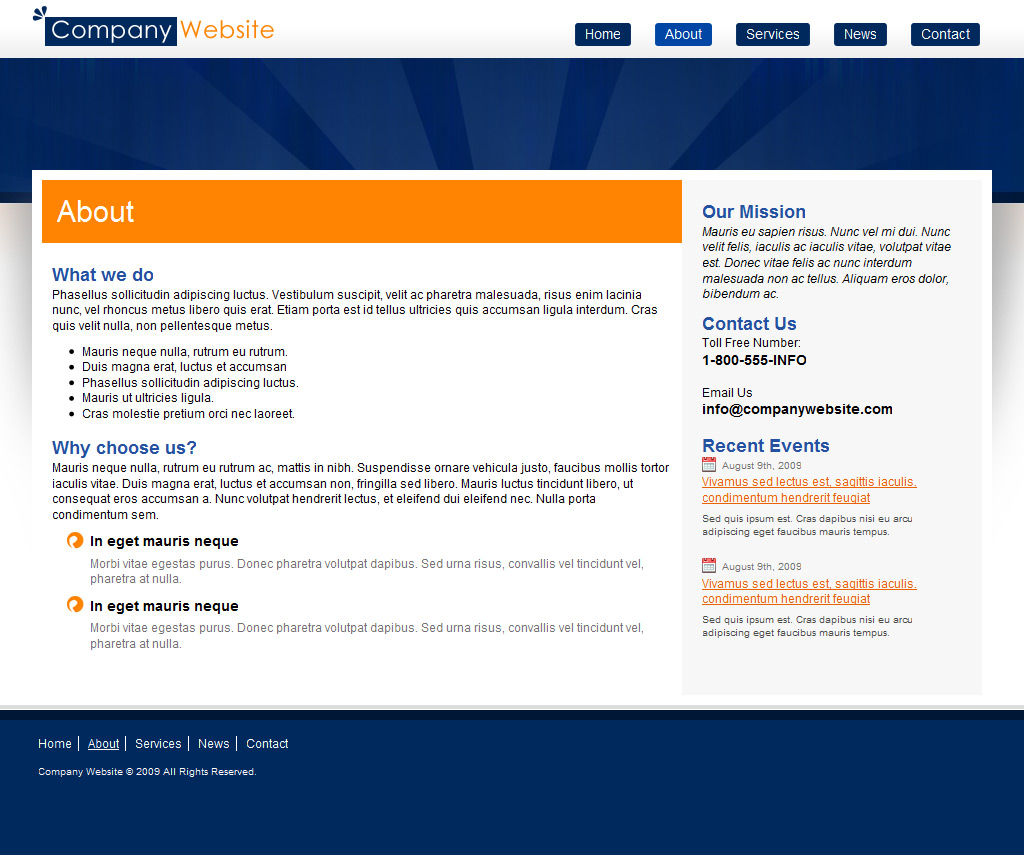
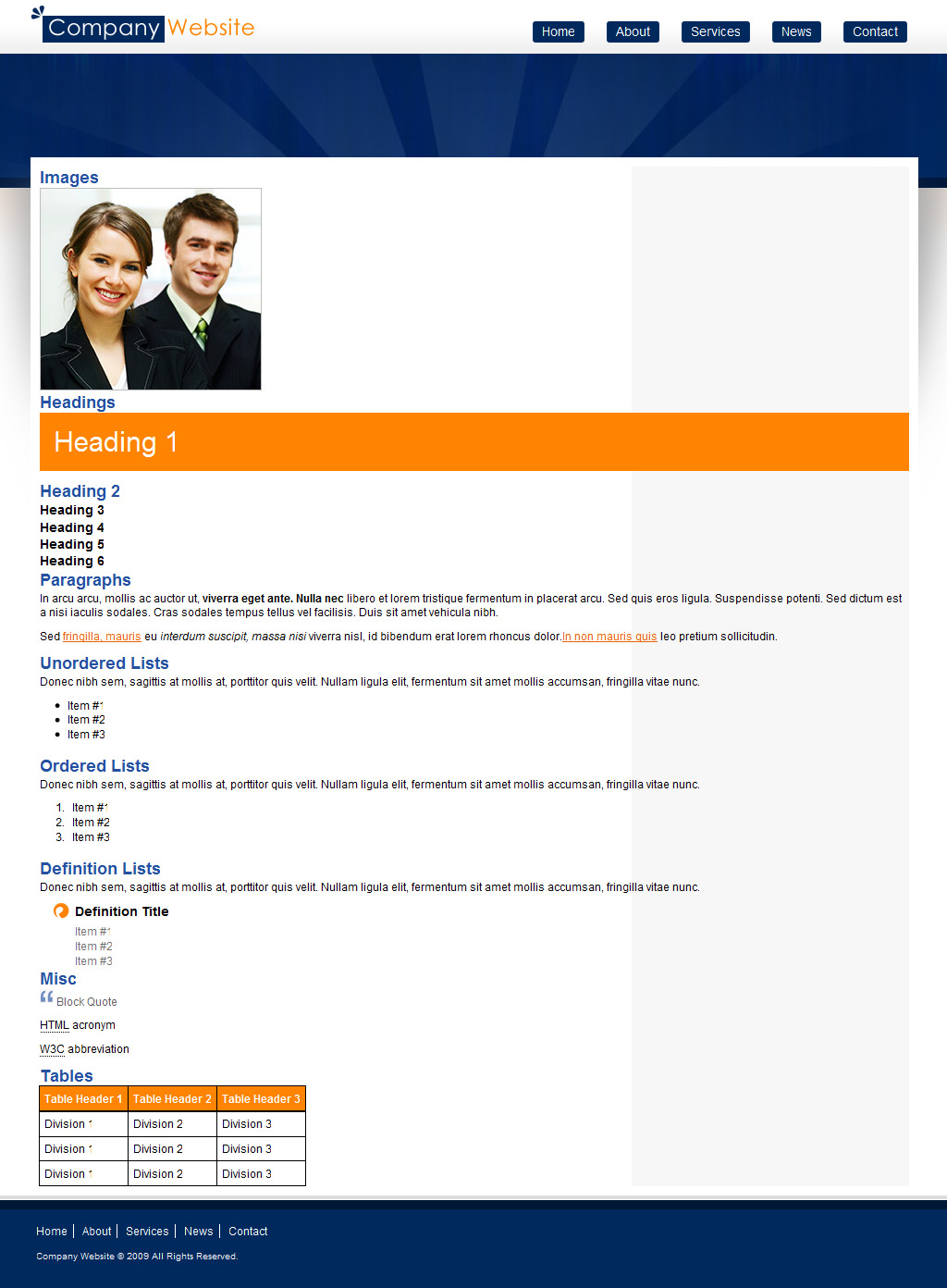
Let me know if anything is confusing
Converting a Photoshop design to HTML is usually a very organic process, ie. I don’t follow a particular order of steps. For the sake of this tutorial however, I’m going to keep everything very organized so that it’s easier to follow along. If you’re ever confused, please let me know in the comments and I’ll do what I can to make it more clear.
We will not be using the design view
This might disappoint a few people but I’m never going to use the design view. I’m only going to use the code view in Dreamweaver. Don’t worry though, it’s not as hard as you might think.
Ok now let’s get started!
Comments
Post by hajan reckiest on September 1, 2009
very good download
Post by Antwan on September 10, 2009
Hey! Thnx for this tutarial, it helped me to understand the basics of slicing and creating a solid -cross browser- webpage. With my PHP expierences this will help me master all elements to create a dynamicly perfect website! PS1: Are you planning to add a part of navigation user firnedly through the menu? PS2: Seems you forgot somethings (I didn't have all the images in te process) and what exactly is the styles.htm for..?
Post by Joshua Bolduc on October 3, 2009
Styles.htm is the place where you can put all your generic html elements (headings, images, paragraphs etc) that you'll use throughout the rest of the website.
It's a great way to see how all the elements will work together and also ensures that you don't forget anything.
Post by Avijit Dey on October 30, 2009
very good to learn in very short period....
Post by pascal on November 4, 2009
Thanks voor the great tut!
Post by Bob on November 9, 2009
Great tutorial. I particularly like your CSS breakdown/organization methodology. Thanks!
Post by Albin on December 13, 2009
Hai! thanks. I am not able to downloade the psd file you have given. It is downloaded without layer i.e., Composited layer (0ne layer). What should I do?
Post by Joshua Bolduc on December 13, 2009
It sounds like you're opening the file with Adobe Acrobat. Make sure you open it with Photoshop.
Post by Twitz on January 24, 2010
Hmmm. Wouldn't it be easier to just do a File / Export to the CSS and HTML after the slices are all added and let PhotoShop create the files for you? :o)
Post by Joshua Bolduc on January 24, 2010
Hi Twitz, That is an excellent question.
There are a few reasons why you shouldn't export directly from Photoshop.
Photoshop doesn't generate standards based code.
The design won't look the same in all browsers.
Photoshop can't create repeating backgrounds which are crucial in pretty much all designs.
Coding it by hand results in much leaner code that downloads faster.
However, exporting from photoshop could be useful for protyping purposes . . .
Post by eve on February 1, 2010
awesome tutorial.. exactly what I needed! Helped heaps xox
Post by peter on February 10, 2010
when i open the Home.psd file in photoshop cs4 on a mac to begin slicing i see a bunch of blue outlines with numbers in the upper left hand corner. What are these and how do i get rid of them so i can see what i'm slicing (and saving because they show up when i'm trying to save the slices as well. thanks i'm a newbie to this.
Post by Bill Miller on February 12, 2010
Great tutorial. It has helped tremendously.
Post by BerggreenDK on November 25, 2012
Just a few comments. First of all, the favicon.ico ought to be placed in the ROOT of a website, as robots and browsers look for /favicon.ico by default. So those not parsing the HTML for shortcut icons etc. will still find it. Secondly, if you shorten your folder paths to images and css, you will generate shorter HTML which again will let your page load faster. If you only include a few images, this might not seem like a lot, but if you have 10000 visitors the difference between placing everything in /images/ versus /g/ addes 5 bytes ekstra download per image. Lets say you have 30 images on a page, thats 30x5 = 150 ekstra bytes pr. page. Then if you have 10000 visitors it addes up to 1.500.000 bytes or more than a megabyte trafik. Same goes for long css descriptions where you dont need them all as they are nested and therefore can be uniquely identified from a top #id or .class. Eg. if you place the footer menu inside footer, you dont need to specify the class/id in the html as there is only one type of inside the footer and that would be the menu. So instead of spending a lot of bytes on each page, you can spend a little extra bytes on the css (which is downloaded and cached between pages when placed in an external file as you already do) and then shorten the HTML a LOT and it will still make sense afterwards when reading it.